01 / Park for a moment
A little corner A little break
Leave your keyring on a window or button corner Move your cursor away then return to the charm to pick it up
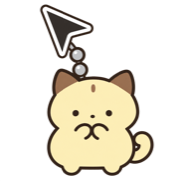 Mouse Keyring
A little charm for your everyday screen
Images stay in this browser. Install the Mac app to use keyrings on your desktop.
Small charms. Plenty of possibilities
Leave your keyring on a window or button corner Move your cursor away then return to the charm to pick it up
Choose from 12 animals or upload your own image Turn your favorite tools into your own keyrings
Images are upload examples and are not included keyringsLet up to 3 keyrings bump into each other Adjust sway from 1 to 100 to find the movement you like
Adjust chain length and thickness and choose from 10 colors Add a black outline to chains and uploaded images
or add an image you love
 Cat
Cat Puppy
Puppy Bush warbler
 Otter
Otter Hedgehog
 Seal
Seal Guinea pig
 Hamster
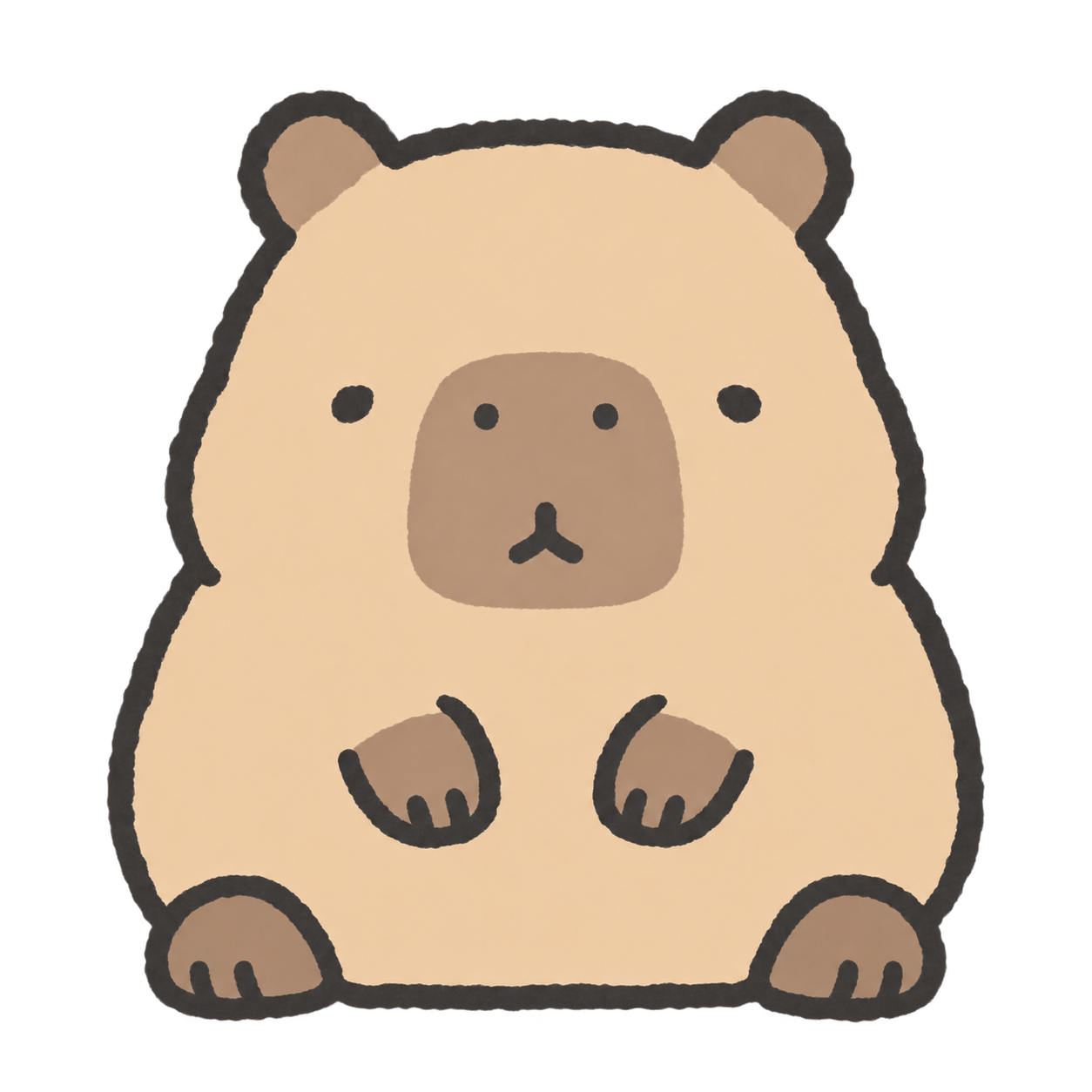 Capybara
 Red panda
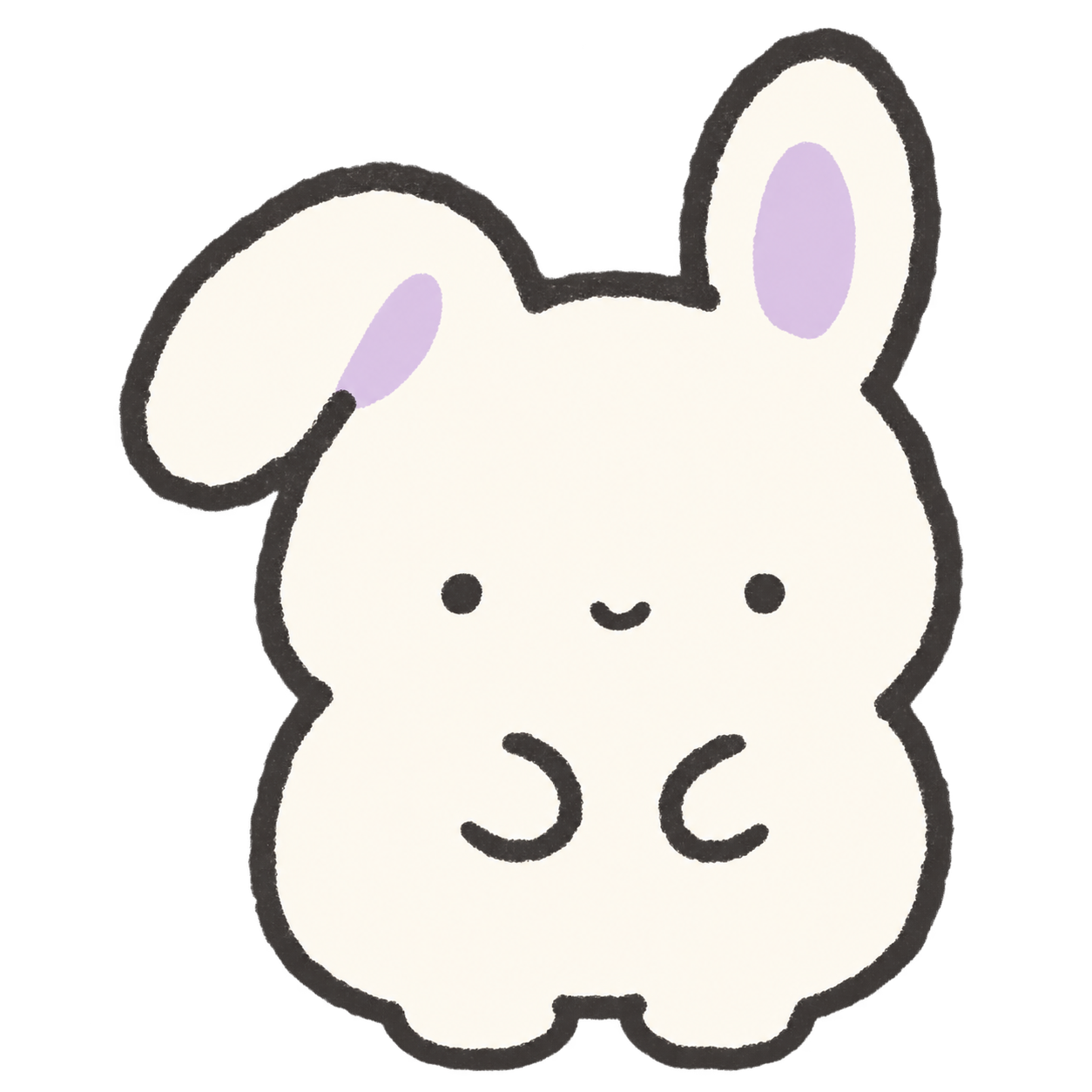 Rabbit
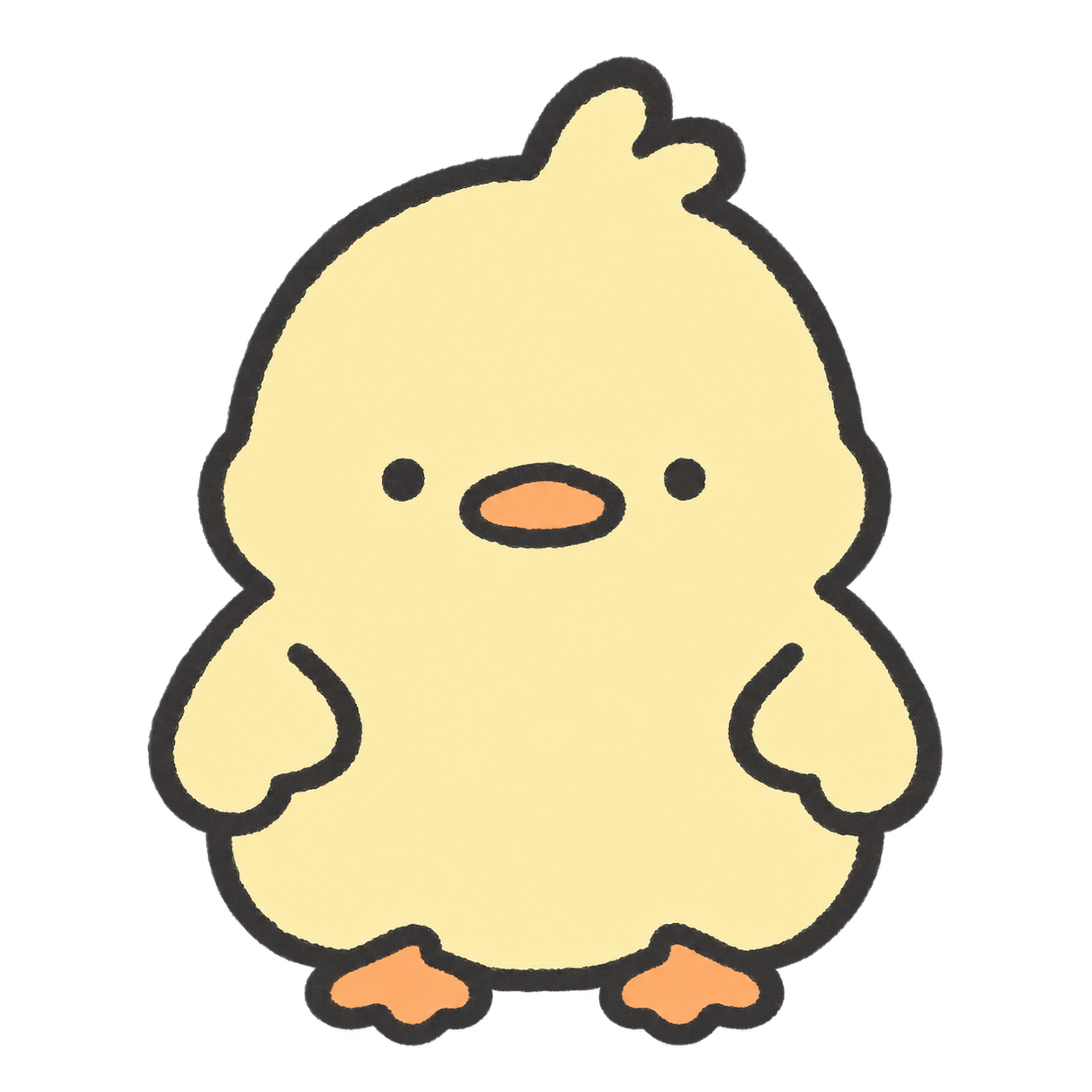 DuckCatPuppyBush warblerOtterHedgehogSealGuinea pigHamsterCapybaraRed pandaRabbitDuck
Mouse Keyring is a macOS cursor customization app. It lets you attach a small animated charm to your cursor.
Choose from 12 animal charms or upload your own image. You can use up to three keyrings and adjust their size, sway, chain length, thickness, color, and outlines.
Yes. A keyring can rest on a window or button corner, then reconnect when you return to it. Button recognition requires macOS Accessibility permission and can vary by the target app.
The available installer supports Macs with Apple silicon. A Windows version is not available yet; you can join the launch notification list on this site.
Mouse Keyring is a US$3.50 one-time purchase, with no subscription. One license can be used on up to three devices.
Leave your email for a launch notification